Bringing eSheep Back to Life on macOS
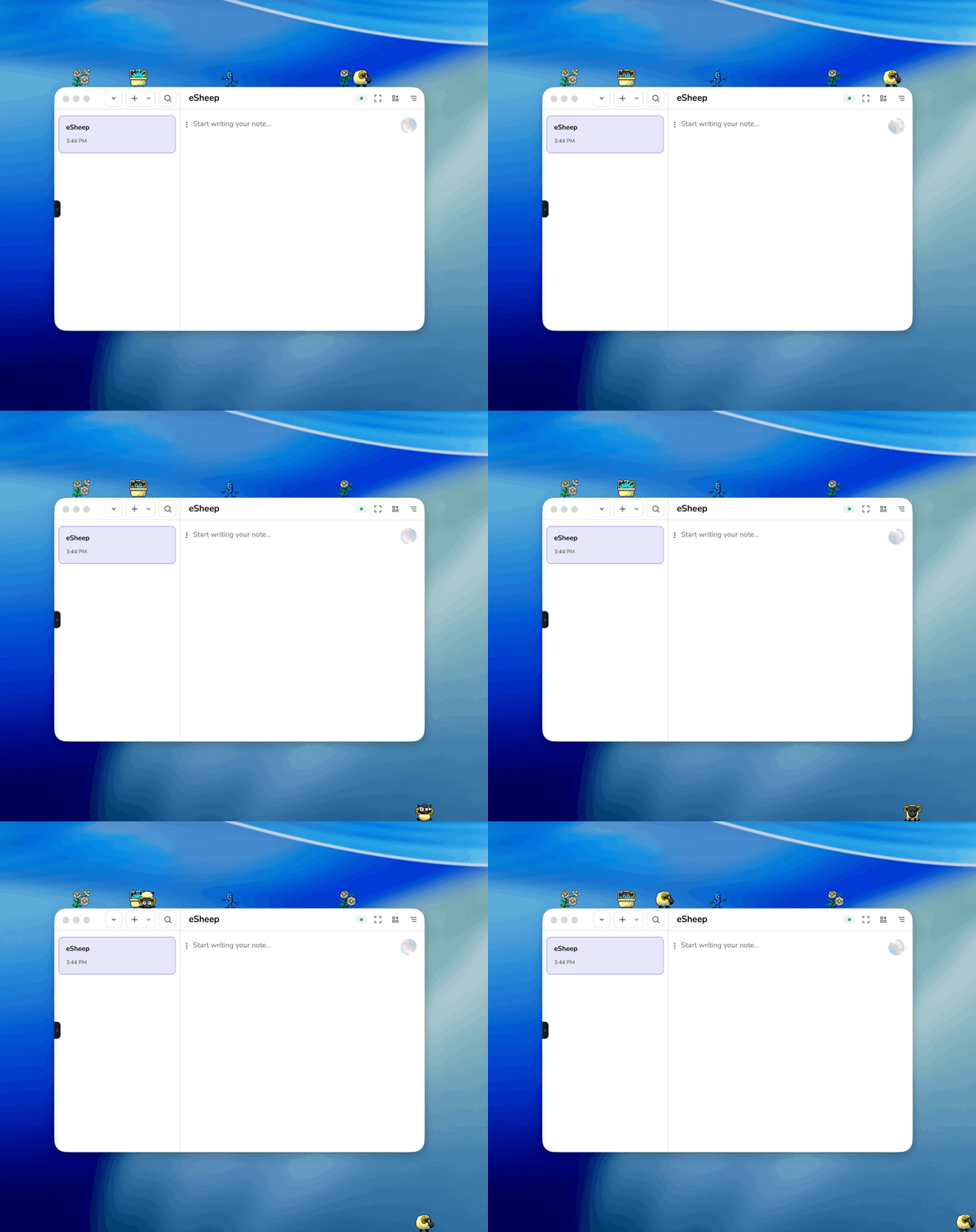
Some software exists to solve serious problems. Some software helps businesses scale, organise, optimise, and generate enough dashboards to make a normal person briefly lose the will to continue.
And then there is eSheep.
If you used a Windows computer in the late '90s or early 2000s, you might remember the original desktop sheep, a tiny animated creature that wandered across your screen, climbed over windows, fell off edges, and served absolutely no practical purpose whatsoever. Which, naturally, made it perfect.
I wanted to bring some of that charm back, but for modern macOS.
Why rebuild something this silly?
Because the best software is not always the most useful.
Sometimes the most memorable things we build are the ones that make people grin for half a second. A tiny interruption. A little personality. A reminder that computers used to feel a bit stranger, a bit warmer, and a lot less sanitised.
eSheep was never about productivity. It was about delight. It lived on your desktop like a tiny act of rebellion against sterile software. No onboarding flow. No growth funnel. No AI summary of your sheep's movement patterns. Just a small pixel creature doing sheep things across your screen.
That felt worth bringing back.
The goal
The goal was simple: make eSheep feel like the old days, but make it feel at home on macOS.
That meant keeping the spirit of the original alive while avoiding the usual trap of turning a fun little toy into a bloated remake. I did not want to over-explain it, over-design it, or over-engineer the magic out of it. The whole point is that it should feel lightweight, a little absurd, and instantly understandable.
You open it, it sits quietly in your menu bar, and when you want some life on your desktop, you add a sheep.
Or a flower. Or an alien. Because obviously one sheep is never where this kind of nonsense ends.
Translating an old idea to a modern platform
Bringing something like this to macOS is not just a matter of copying the original concept. Old desktop toys were built for a very different computing era. They belonged to cluttered desktops, overlapping windows, and operating systems that were often a bit more permissive, a bit weirder, and sometimes gloriously less polished.
Modern macOS is cleaner, stricter, and far more opinionated. So the challenge was not just getting animated pets on screen. It was making them feel native without losing the playful chaos that made the original fun.
That balance mattered.
I wanted eSheep to behave like a proper Mac app, not like a broken relic awkwardly taped onto a modern desktop. It needed to be lightweight, unobtrusive, and easy to control. That is why it lives in the menu bar, stays out of the way, and lets you decide what appears on your screen.
The experience should feel simple. Nostalgia is powerful, but it gets embarrassing quickly when it crashes into modern expectations.
Keeping the charm intact
The hardest part with nostalgia projects is restraint.
When you revisit something people remember fondly, there is always a temptation to improve everything. Add settings. Add more menus. Add more polish. Add a giant configuration panel with seventeen toggles nobody asked for, because apparently humans cannot leave a good thing alone.
But charm is fragile.
eSheep works because it is small, odd, and slightly unnecessary. So instead of turning it into a platform, I focused on preserving the feeling. Pixel-art characters roaming freely across the desktop. Little interactions with open windows. Creatures appearing, wandering, and vanishing without demanding attention.
It should feel like finding a forgotten part of the internet still alive and kicking.
Why nostalgia still matters
There is a reason old ideas keep coming back, especially the strange little ones.
A lot of modern software is efficient, polished, and relentlessly optimised. That is fine. Useful, even. But it also means a lot of it feels interchangeable. Every product wants to be frictionless. Every interface wants to be invisible. Every company wants to convince you that removing all personality is somehow a feature.
Nostalgic software pushes in the opposite direction.
It reminds us that software can be playful. It can be decorative. It can exist for no higher purpose than making your desktop feel a bit more alive. That does not make it trivial. It makes it human.
Rebuilding eSheep was, in a small way, a reminder that joy is a valid product decision.
A tiny app with a very specific job
eSheep is not trying to become a whole ecosystem. It is not trying to reinvent your desktop. It is not trying to capture your attention for hours.
Its job is much smaller than that.
It puts a little animated creature on your screen and lets that creature cause a small amount of harmless delight.
That is it.
And honestly, that is enough.
Bringing back the old internet spirit
What I like most about projects like this is that they bring back a kind of energy the modern web and app world has mostly sanded away.
The old internet had room for weird little things. Desktop toys. Winamp skins. Custom cursors. Pointless widgets. Tiny experiments people made because they could, not because they had validated a market segment and prepared a monetisation roadmap for investors in quarter three.
eSheep belongs to that tradition.
It is a small tribute to software that had personality, software that made your computer feel like your computer.
Try it
If you want a small desktop companion wandering across your Mac like it escaped from a more innocent era of computing, you can try eSheep here: eSheep
It is free, lightweight, and unapologetically unnecessary.
Which is a pretty good reason to make it.